System cards and components buying guide
NEC station, line and voice mail cards
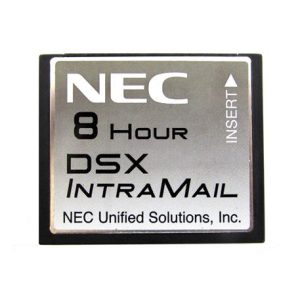
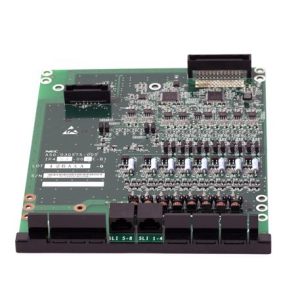
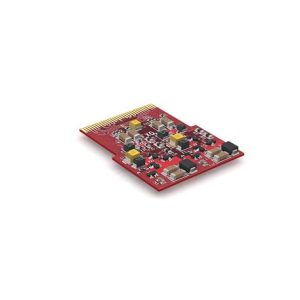
NEC SL1100 and SL2100 items include an 8 port digital station card, an 8 port analog station card, a 4 port loop start CO line card and a CO expansion mounting card. CF voice mail options are listed with 2 or 4 ports. DSX IntraMail voice mail cards are also here.
Sangoma cards
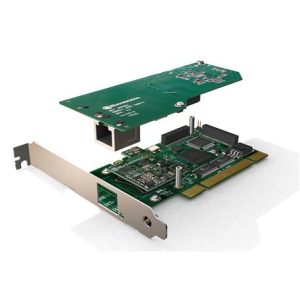
Sangoma listings include the A200 PCI base analog card, 2 port FXS and FXO chips for the A200 or A400, an 8 FXS analog card and T1/E1/J1 cards in PCI and PCIe. FXS serves analog phones, FXO connects to phone lines, and T1 is a digital trunk.
Check before you buy
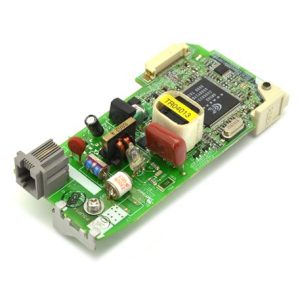
Cards must match the cabinet, the software level and the free slot. Read the full product name, note the part code and compare it to your current card. A Panasonic modem card is also listed here, and the same rule applies to it.
Installing a card
Power the system down and follow the manufacturer's steps when you install a card. Static can damage cards, so handle them by the edges. After installation, the card usually needs to be set up in the system software, and we can help with that.
Common questions
What is the difference between FXS and FXO?
FXS ports connect phones and fax machines. FXO ports connect to outside phone lines.
Is a PCI card the same as a PCIe card?
No. They use different slots, so check your server.
Can you confirm a card for me?
Yes. Send the model through contact us.