Video Conferencing buying guide
Rooms and cameras
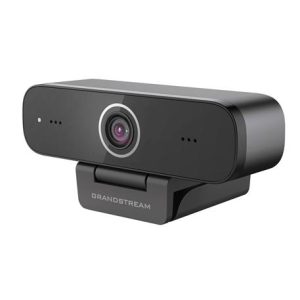
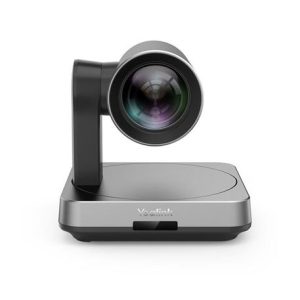
Yealink UVC30 camera models, including a room 4K camera and a desktop version, connect to a computer over USB. The SmartVision 60 uses a 360 degree camera. Jabra PanaCast 50 is a video bar in gray and black. Choose by room size and seating. Camera field of view matters in wider rooms.
Complete room kits
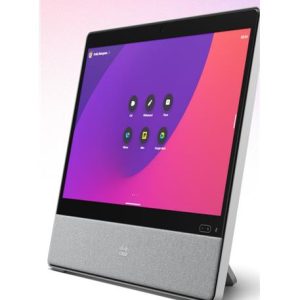
Yealink Teams Rooms systems and the MeetingBoard for small rooms pair cameras, mics and speakers with a compute unit. A MCORE Mini PC and a touch console are listed. Pick the platform first, then the matching hardware. Compute units run the meeting software.
Extenders and mounts
USB extenders, BYOD extenders, a wireless presentation system, TV mounts and floor stands help finish an install. A 7m USB2 cable is also listed. Check distance from the camera to the computer before you choose a cable. Mounts depend on your wall or TV.
Before you order
Check the room size, the meeting platform and the computer you will connect. Decide whether you want a simple USB camera or a full room kit. Add cables and mounts. Send us your room details and we will help match the equipment.
Common questions
Do I need a special computer?
Teams Rooms kits typically use the included compute unit. USB cameras work with a laptop.
How far can I run a USB camera?
Check the cable and extender listings for your distance. Call us if you are unsure.
Is the Jabra PanaCast 50 covered by a warranty?
The listing names a 2 year warranty.