Computer and networking buying guide
Switches
Switches here come from Netgear, Ubiquiti, Cambium Networks, Linksys, Intellinet and others, from 5 port desktop units to 48 port rack models. Unmanaged switches work out of the box. Managed switches add VLANs and monitoring, which many VoIP setups use. Choose the port count first, then the features.
Access points and wireless bridges
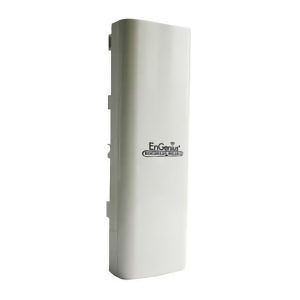
Indoor access points cover offices. Outdoor access points and point to point radios from Ubiquiti and EnGenius link buildings or cover yards. Coverage depends on walls, distance and interference, so plan the number of access points by area, not just by speed.
Routers and LTE
Routers range from the Netgear Nighthawk to the Ubiquiti UniFi Dream Machine and EdgeRouter. LTE routers such as the Teltonika dual SIM model suit backup internet connections. Check that your carrier supports the unit and that the router has the ports you need.
PoE, accessories and mounts
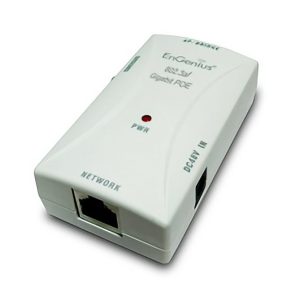
PoE injectors, power supplies and rack mount kits are listed beside the main gear. Make sure an injector matches the voltage and wattage the device needs, and check that your cable run is within the normal Ethernet length limit of 100 meters.
Common questions
What is the difference between PoE and PoE+?
PoE+ delivers more power per port, which suits devices like outdoor access points. Check each device wattage.
Do I need a managed switch?
Not for a basic office. You need one if you want VLANs, port settings or remote monitoring.
Can you help choose gear for a new office?
Yes. Use request a quote with your device count and layout.